Was ist ein tragbarer Schreibtisch?
Im Gegensatz zu einem herkömmlichen Schreibtisch besteht ein tragbarer Schreibtisch (oft als mobiler Schreibtisch bezeichnet) aus Ständern, Bildschirmen und Zubehör, mit denen du jede flache Oberfläche in eine funktionale Arbeitsstation verwandeln kannst. Wenn du mit der Arbeit fertig bist, faltest du einfach deine gesamte Ausrüstung zusammen und steckst sie wieder in deinen Rucksack.
Was versteht man unter Hot Desking?
Wenn du in einer modernen Unternehmensumgebung arbeitest, bist du wahrscheinlich mit diesem Konzept vertraut. Beim Hot Desking sind den Mitarbeitern keine festen Arbeitsplätze zugewiesen. Stattdessen nutzt du den Schreibtisch, der gerade frei ist, wenn du morgens ankommst.
Wenn du an einem Arbeitsplatz arbeitest, an dem hybride Arbeitszeiten und Hot Desking die Norm sind, ist Anpassungsfähigkeit deine neue Superkraft. Um in dieser Umgebung erfolgreich zu sein, musst du lernen, deine Workstation überall hin mitzunehmen.
Was du wirklich für deinen tragbaren Schreibtisch brauchst
Damit dein Umstieg schnell und deine Tasche leicht bleibt, vermeide unnötigen Ballast und konzentriere dich auf diese vier wichtigsten Dinge.
1. Ein guter Laptop
Wenn du unterwegs bist, sind eine lange Akkulaufzeit, ein geringes Gewicht und eine zuverlässige Leistung in deinem Laptop unverzichtbar. Tappe nicht in die Falle, den Mangel an einem zweiten Bildschirm dadurch ausgleichen zu wollen, dass du versuchst, die Größe deines Laptops maximal zu nutzen.
- Größe: Stelle sicher, dass dein Laptop in deinen Rucksack passt. Ein 16-Zoll MacBook ist im Allgemeinen ideal, weil es leicht und handlich ist.
2. Ein ergonomischer Laptopständer
Vermeide langes Arbeiten mit einem flachen Laptop, denn Nackenverspannungen und Schulterschmerzen können deinen Arbeitstag verkürzen.
- Worauf du achten solltest: Ein verstellbarer und faltbarer Ständer, der deinen Bildschirm auf Augenhöhe anhebt und flach genug zusammenfaltbar ist, um in eine Seitentasche zu passen.
- Der tragbare Monitor: Einen sekundären, leichten Monitor aufzustellen kann deine Produktivität verdoppeln, wenn du mit Tabellen arbeitest oder Videos bearbeitest.
3. Eine Bluetooth-Tastatur und eine Maus
Sobald dein Laptop auf einem Ständer angehoben ist, ist das Tippen auf der eingebauten Tastatur nahezu unmöglich.
- Tastatur: Achte auf eine faltbare Splittastatur. Splittastaturen öffnen Brust und Schultern und verhindern dieses „vornübergebeugte“ Gefühl bei langem Tippen.
- Maus: Eine flache, kabellose, kompakte Maus oder eine kompakte ergonomische Reisemaus ist ideal für unterwegs. Wenn du auf das Mauspad verzichten möchtest, suche nach einer Maus, die auch ohne Mauspad funktioniert.
4. Ladegeräte, die zu deiner Ausrüstung passen
Ob du es glaubst oder nicht, Ladegeräte sind genau das, was bei den meisten für Stress sorgt, wenn sie in ihrer Arbeitstasche suchen. Wenn du ein Ladegerät für jeden Gegenstand mitbringst, gibt es in deiner Tasche bald ein riesiges Durcheinander.
- Ein Ladegerät für alle: Wähle ein Ladegerät mit mehreren Steckdosen, damit du keine separaten Ladegeräte für deinen Laptop, dein Telefon, deine Tastatur und deine Maus mitnehmen musst.
Entdecke: So packst du deine Tasche für ein hybrides Arbeitsmodell
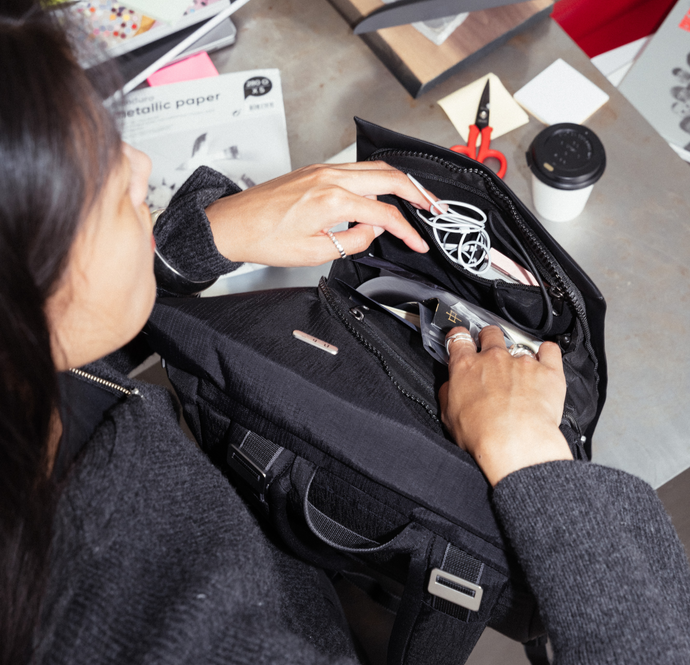
Überflüssiges: Was du zu Hause lassen kannst
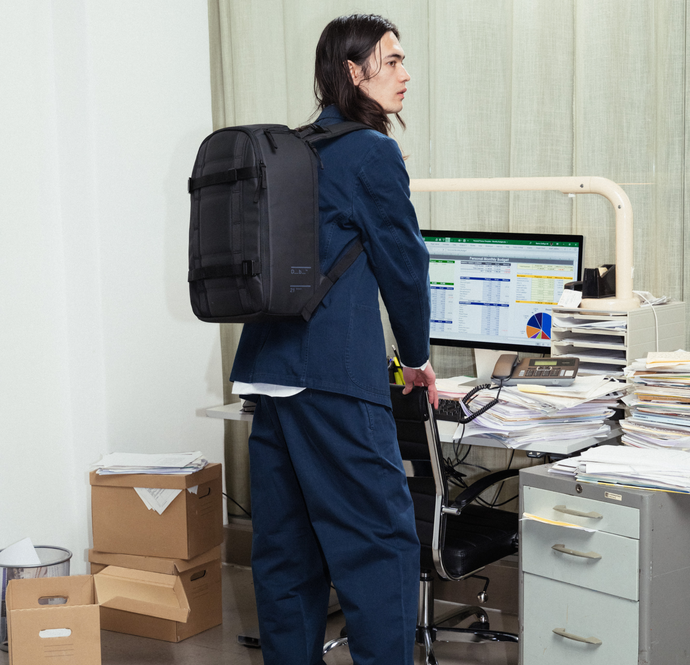
Wenn du dein Büro auf dem Rücken tragen musst, musst du einiges an Ausrüstung zurücklassen.
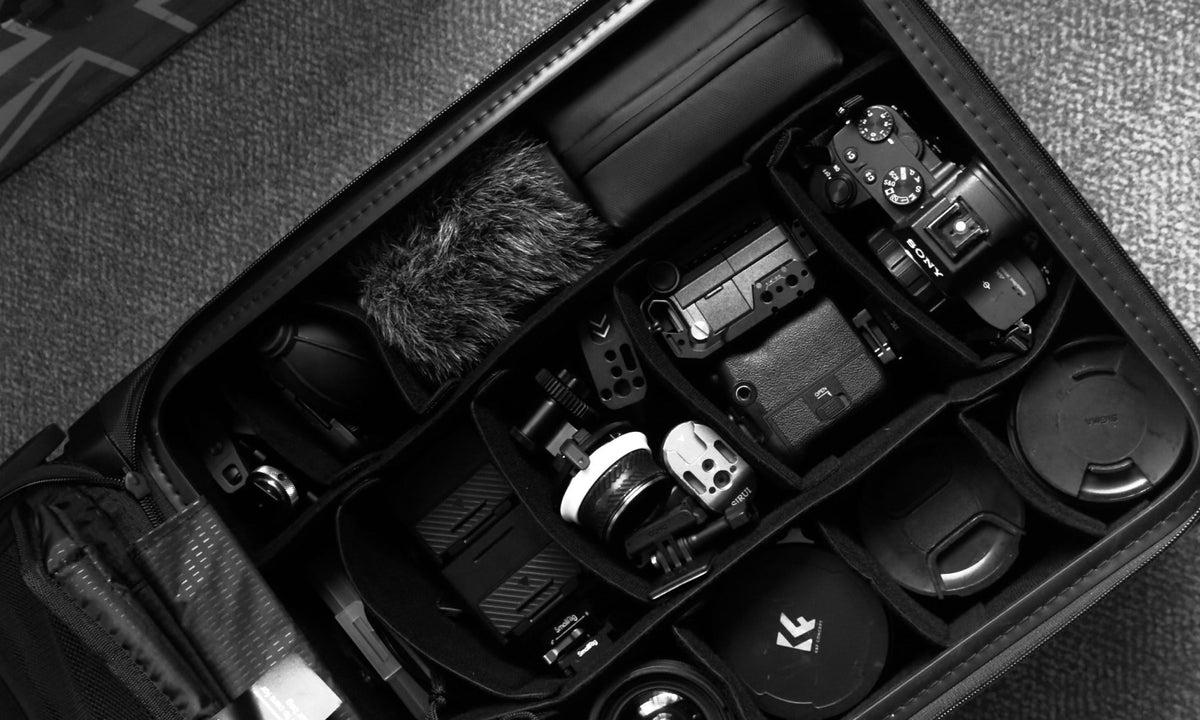
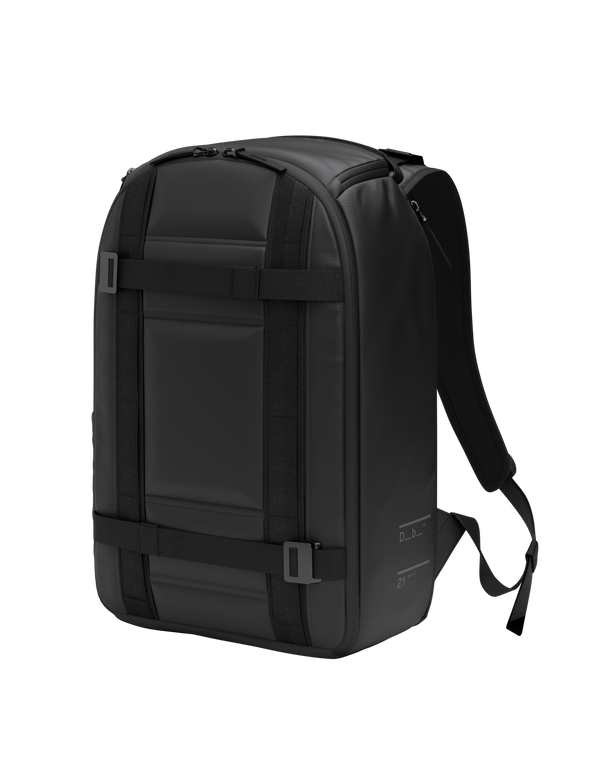
- Überentwickelte Tech-Organizer: Du brauchst keinen riesigen Hartschalenordner, der die Hälfte deines Rucksacks einnimmt. Einfache, leichte Techniktaschen wie der Ramverk Tech Organizer, Kameraeinsätze oder Packbeutel erledigen die Arbeit mit einem Bruchteil des Gewichts.
- Die „Nur für den Fall“-Ausrüstung: Wenn du ein Teil deiner Ausrüstung in den letzten zwei Wochen nicht in deinem täglichen Arbeitsablauf verwendet hast, gehört es nicht in dein Reise-Set.
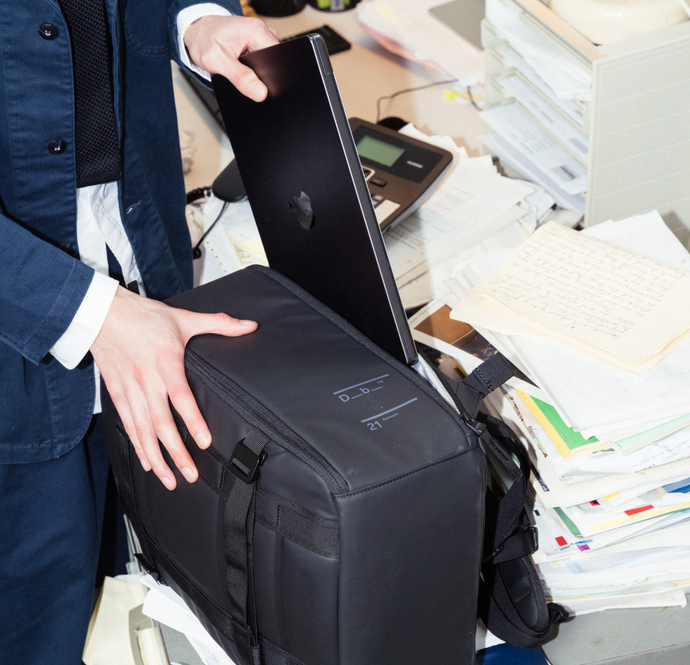
So packst du deinen tragbaren Schreibtisch in deinen Rucksack
Nutze diese zonenbasierte Strategie, um dein mobiles Büro effizient, geschützt und leicht zu halten.
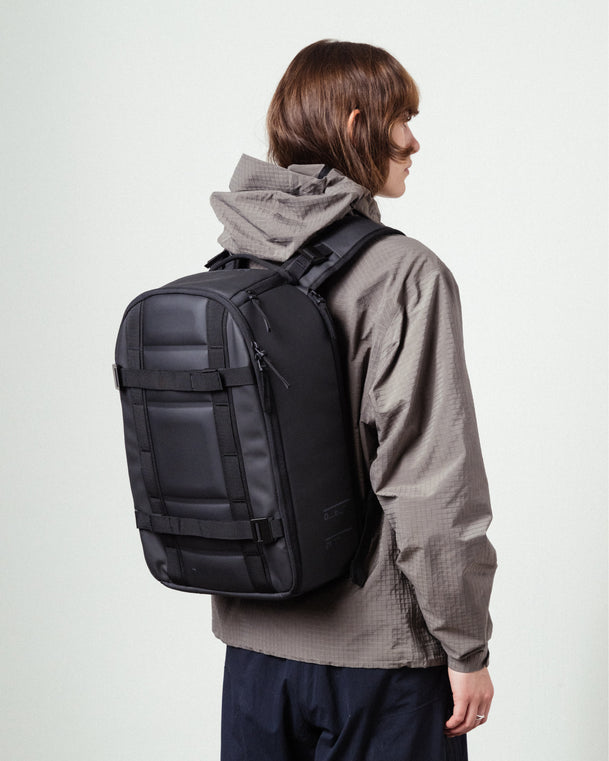
- Laptops und Monitore: Stecke die Flachbildschirme in das Fach auf der Rückseite am nächsten an deinem Rücken oder in das Laptopfach deines Rucksacks. Dadurch wird das Gewicht zentriert und die Ausrüstung wird geschützt.
- Ständer und Tastaturen: Verstaue deinen gefalteten Ständer und deine Tastatur vertikal im Hauptfach. Du kannst sie wie Bücher herausschieben, und du musst nicht in deiner Tasche suchen, um sie zu finden.
- Wichtiges für den Alltag: Bewahre dein Ladegerät, deine Kabel und deine Maus im Oberfach oder in den Netztaschen im Inneren auf. Sie sollten die ersten Dinge sein, die du auspackst, und die letzten, die du einpackst.
Packe mit Bedacht, damit Hot Desking und Homeoffice funktionieren.
Antworten auf deine Fragen.
Wann brauchst du einen tragbaren Schreibtisch?
Ein tragbarer Schreibtisch ist immer dann notwendig, wenn du keinen Schreibtisch in deinem Büro hast. Egal, ob du zu Hause am Küchentisch arbeitest, ein hybrides Arbeitsmodell mit Hot Desking hast oder um die Welt reist, während du remote arbeitest – ein gutes Schreibtisch-Setup sorgt dafür, dass du produktiv bleibst, ganz gleich, wo du dich befindest.
Wie überlebst du Hot Desking?
Zu lernen, wie du Hot Desking meisterst, ohne dabei den Verstand zu verlieren, hängt ganz von deiner Ausrüstung ab. Wenn du 20 Minuten brauchst, um deinen Arbeitsplatz auf- und abzubauen, machst du etwas falsch. Der Schlüssel zur Beherrschung eines hybriden Arbeitsplatzes liegt darin, leichte Ausrüstung zu verwenden, die auf Anpassungsfähigkeit ausgelegt ist und sich in weniger als zwei Minuten abbauen lässt.